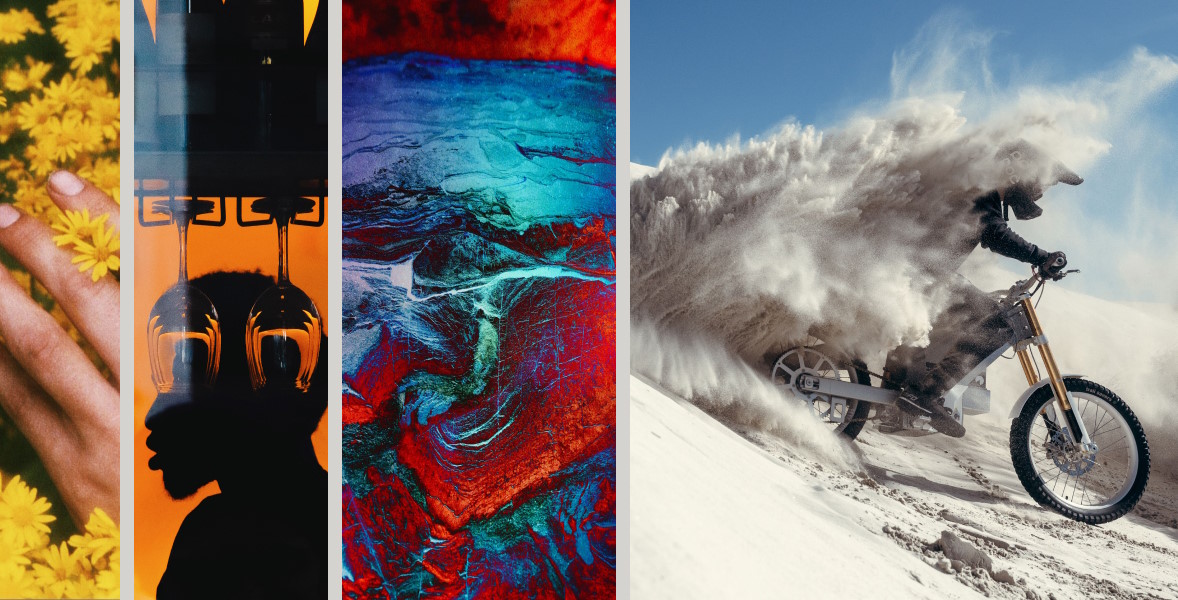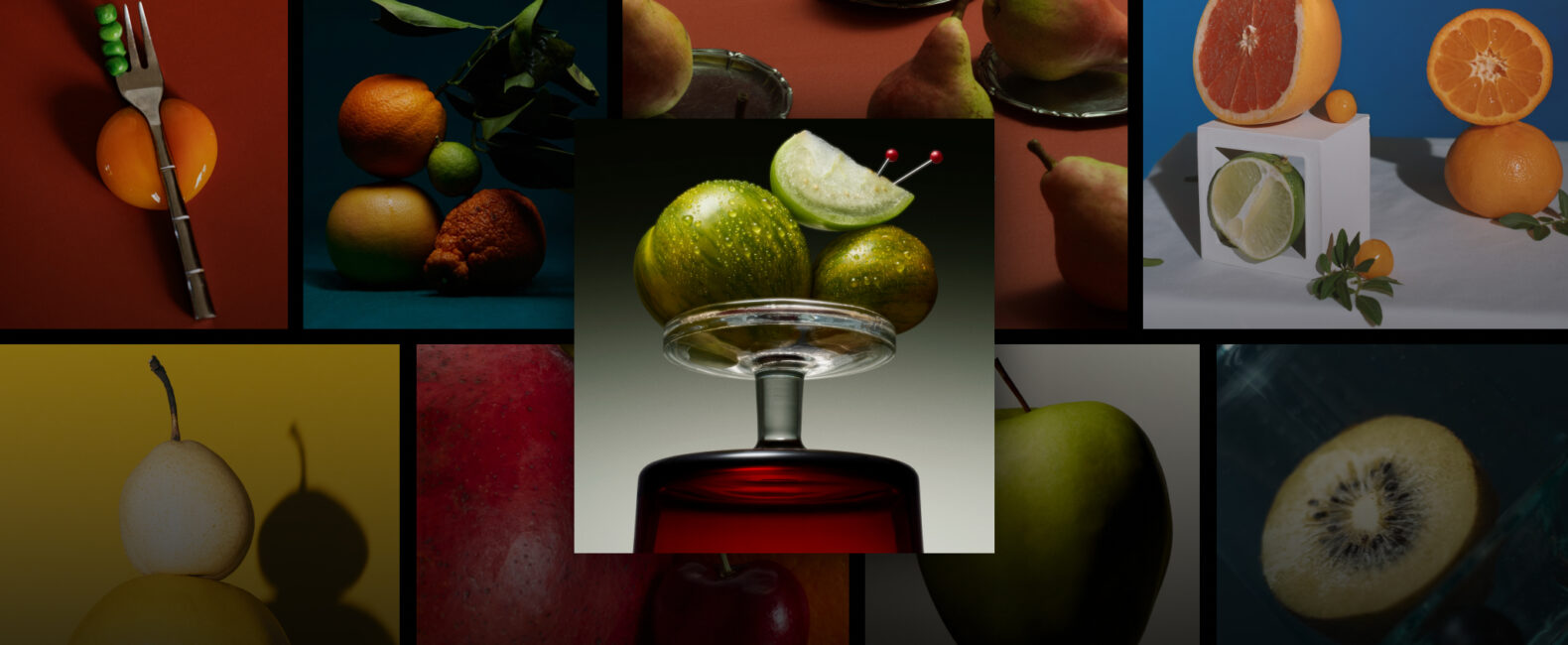
Creative work rarely begins with a neat list of keywords. Sometimes it starts with a complete scene in your head. Other times, it starts with a client reference, a screenshot, or an image on a mood board that captures the direction better than words can.
We rebuilt Search on Stills around both starting points.
The updated experience delivers more accurate, relevant results by understanding the full meaning behind a search, not only individual keywords. With Natural Language Search, you can describe what you need using complete phrases and context.
With Search by Image, you can upload a visual reference and discover similar, fully released photos available to license on Stills.
Here’s how both features work.
Find photos around an idea or concept with Natural Language Search.
Traditional search often requires you to break an idea into a string of keywords. That can work when you need something simple, but it becomes more difficult when the relationships, action, setting, or mood are what make the image meaningful.
Natural Language Search lets you describe what you need using complete phrases and context.

Instead of searching for disconnected terms like “friends,” “bedroom,” and “night,” you can search for “friends getting ready for a night out.” Natural Language Search considers the complete thought to surface imagery that more closely reflects the scene you have in mind.
RELATED READS: Exploring Visual Narratives in Photography and Advertising
You can search for a specific action, atmosphere, relationship, or setting using the language that comes naturally to you:
- A quiet morning in a modern kitchen
- A runner stretching on a city street at dawn
- Friends sharing food around a crowded table
The more clearly you express the idea, the more context Search on Stills has to work with.
Start with a reference image with Search by Image.
Sometimes, the visual already exists. It might be a client reference from a brief, a campaign image, a comp, a screenshot, or a mood-board pull that defines the look you want to explore.
RELATED READS: 7 Deadly Sins of Making a Creative Brief (And How to Avoid Them)
With Search by Image, you can upload that reference directly to Stills and discover visually similar photos from our exclusive roster.
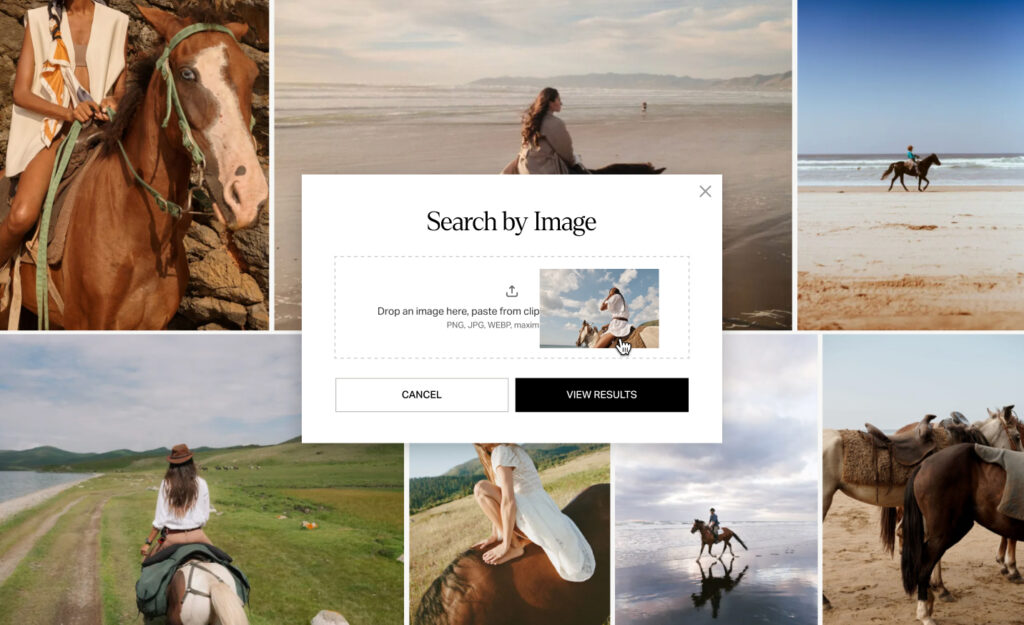
The results can reflect more than the subject of the reference. Search by Image can help you explore photos with a similar:
- Mood or atmosphere
- Composition
- Color palette
- Style
- Subject matter
- Overall visual direction
This is especially useful when a reference conveys the idea more clearly than a description, or when the image that inspired the direction is unavailable.
Instead of translating the reference into a series of search terms, you can begin with the visual itself and move toward fully released options available to license.
RELATED READS: The Power of Images: Behind the Scenes of &Walsh’s Iconic Campaigns
Search on Stills to discover imagery you can license for your projects.
Use Natural Language Search when you can describe the scene, mood, or idea you have in mind. Use Search by Image when a visual reference says it better.
Both are part of the rebuilt Stills Search experience, designed to help you find more relevant imagery while working the way creative ideas naturally take shape.